Next Batch Starts 1st October 2026

Next Batch Starts 1st October 2026
Next Batch 1st October 2026. Registration Open
A total of 40 live classes. Each class is around 2 hours - 2.5 Hours
At the end of the programme you will have 15 projects to showcase
A portfolio website will be created for you. Example: tazmimfarha.com
- Introduction and Brainstorming
- What is UX and UI design in simple words
- How UX and UI Design became so popular
- Is UX/UI Right for you
- Key attributes of a UX/UI designer that we often do not talk about
- Why Lightup UX Academy is different and what you should expect
- How this course will work.
- Current reality of a UX designer
- The Job World and the Freelancing World
- How will you measure your success in UX Design CareerI
- Introduction to the popular tools (Figma, Figjam, Figma Slides)Get used to Figma.
- More on Figma.
- Useful Shortcuts on Figma Design vs Prototype
- What does UX/UI Designer design.
- What are the usage.
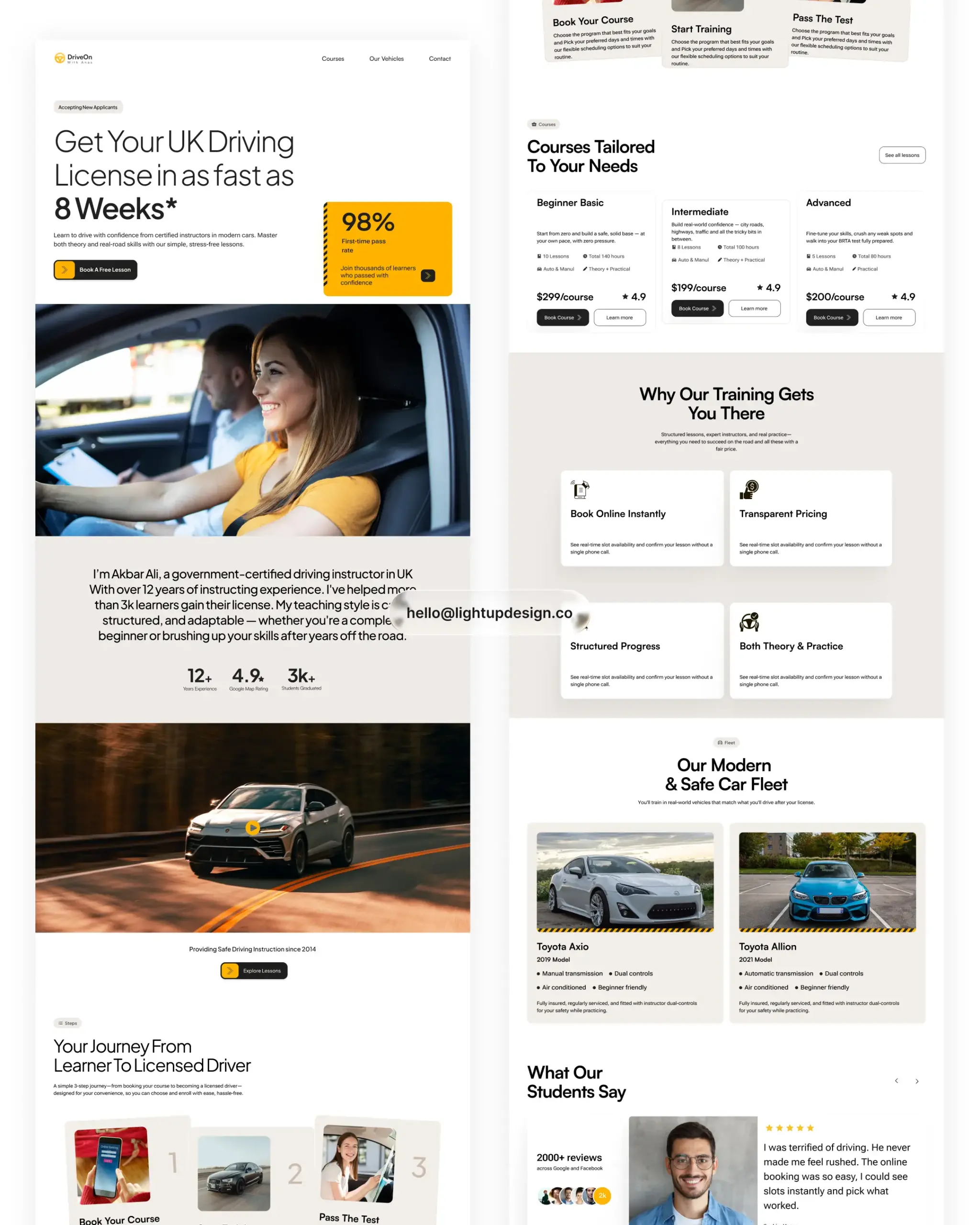
- Landing Page and its usage
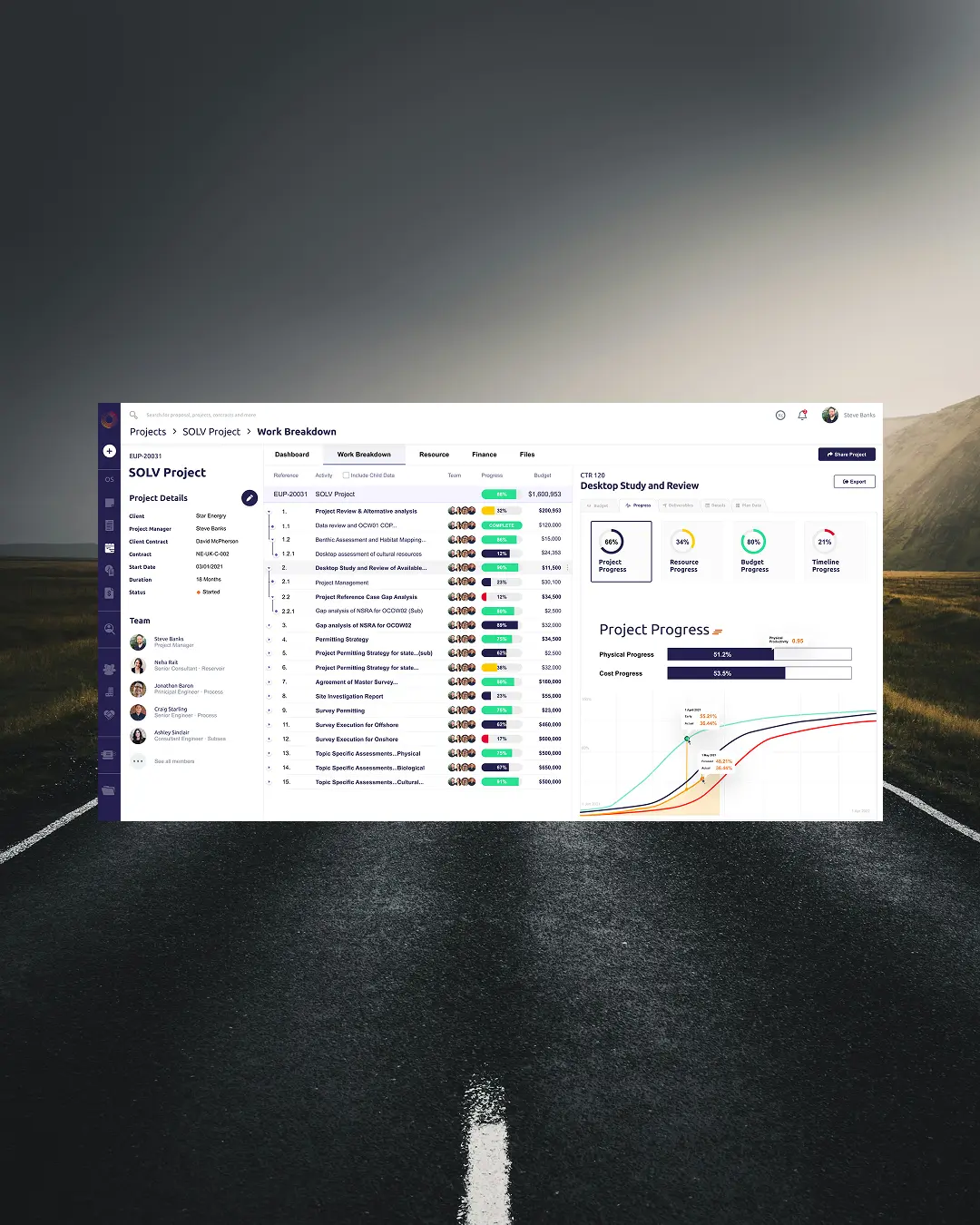
- Web App and its usage
- Webapp Responsive Version
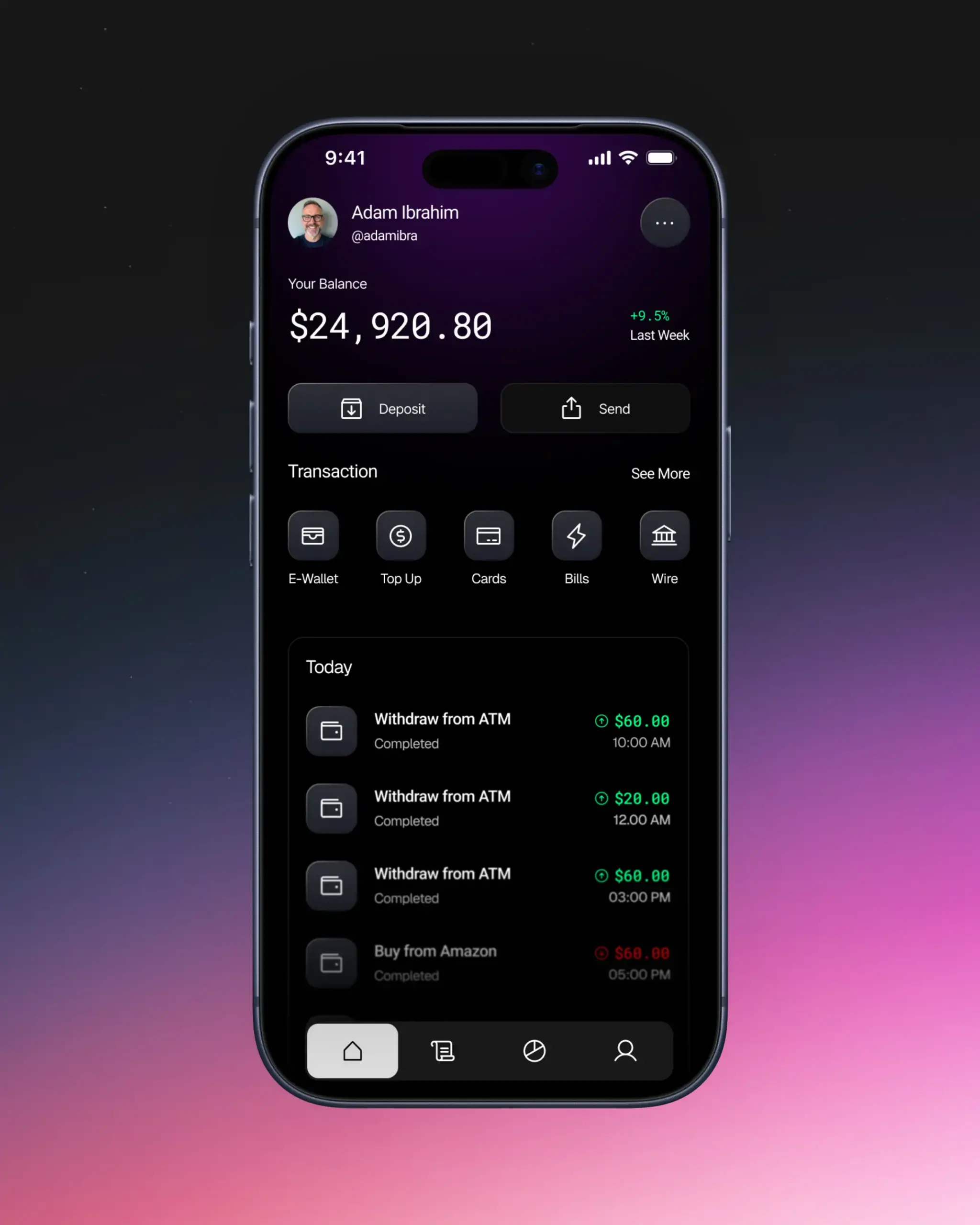
- Mobile app and its usage
- Design for other devices
-Watch
- OrderingTab
- Kiosk
- Smart TV
- Vision OS
- Smart ioT Devices
- Create a roadmap of how to get into the - UX/UI Design career in one year. (Practical)
- Quiz on Class 01 and Class 02
- Understanding Color
- Understanding Shadow
- Application of color and shadow the right way
- Different types of frames.
- Understanding components.
- Types of components.
- Getting used to components.
- How developer work with components
- UX Design thinking
- How human psychology work in design (White Board Session)
- Different types of Design Thinking Method - A whiteboard Session
- Spacing in UI Design:
- Why Space Matters.
- Quiz on Class 04 and 05
-Typeface.
-Typography in Details.
-Practice Typography - Hands-on session
-Common typeface and how to use typeface properly
-Typeface sizes, letter spacing, lineheight, font weight, alignment, case, truncate, numbers
- Refining Auto Layouts
- Fill Container, HugContents, Add Min Width,
- Add Max Width
- Components- Creating Components,
- Add Variant
- Thinking like a UX designer
- A Whiteboard Session
- Empathize with users and defining pain points
- Defning User Problems
- Different Kind of UX Laws and practical applications
- Ideating design solution.
- Moscow Model
- Kano Model
- Design Solution - Practice - White Board Session
- Designing a Landing Page - A Hands on Practice.
- Live creation of a landing page by the mentor
- How to find inspiration and how to use inspiration
- Using of AI in creating Landing page.
- When to use it and how much to use it.
- Quiz on Class 6,7 and 8
- Landing Page Homework
- Review of everyone’s work on Landing Page
- Redesigning the mistakes in everyone’s work.
- Create a responsive design.
- Design for mobile and Tab
- How to keep the layout in place while designing for tab and mobile.
- Designing a full Website.
- How to design the website's information architecture.
- Creating a Style Guide for the website.
- Full Website Creation Home Work
- Live Review of everyone’s work on the Full Website Design
- Pointing out the mistakes in everyone’s work
- How UX/UI/Product Designer work in a team.
- What is their role and responsibility
- How different team work.
- Terminologies that every designer should - know before working in a company or freelance
- Finding project for web application.
- How web application works.
- Create a web application work flow.
- Design the architecture.
- Mentor design the web application and show step by step process
- Overview of Class 1 to 16
- Detail on designing a dashboard
- Dashboard analytics and how to design an effective dashboard design.
- Design an effective dashboard
- Homework on Dashboard Design
- Review Everyone’s Dashboard Design
- Mobile application design.
- How does it work?
- What are the pre requirements building a App - Design we need to know?
- Components for mobile design
- Idea of building a mobile app
- Building the mobile app design - Wireframing
- From Wireframe to High Fidelity design
- Happy path and edge cases
- Design a mobile app - Home Work
- Review Mobile App Design.
- Check everyone’s work 1-1,
- Make corrections and give feedback.
- Quiz on Web App Design and Mobile App Design
- Building Persona
- Write a problem statement
- Build an Information Architecture - Hands-on
- Create a User Flow Diagram
- Create a User Journey Map
- Qualitative and Quantitative Research
- How to do user interview Live
- User interview practice
- How to gather interview date and connect to a solution
- How to test your design
-Usability Test. How to do it?
- How to write usability test and how to perform it.
- How to gather result of a usability test.
- What are the method of testing.
- Building a style guide - How to create a style guide
- Introduction to Design System
Building a Design System - Part 01
Building a Design System - Part 02
- How to present your case study on your portfolio.
- How to make your case study stand out in this time.
- Create your case study group
- Finding the project title and planning
The use of AI. How to use AI in your research. Using AI the right way. What can help designer to stay ahead of AI
- Building a portfolio using wordpress
- How to showcase your work
- Personal branding as a ux designer
- How to stand out among all the other designers
- Developing communication skill as a designer
The Ongoing Case Study Review.
Landing page and Website design Task.
UX mockup interview
Presentation of case study.
Certification
What to do next. Ending Ceremony